IT Projects & Installations — delivered properly
New office setups, network upgrades, server/NAS installs, Wi-Fi expansion, and security integrations — planned, documented and supported by a local team on Bonaire. .
Book a Project Assesment View Managed IT
Clear scope • Clean installation • Documentation included
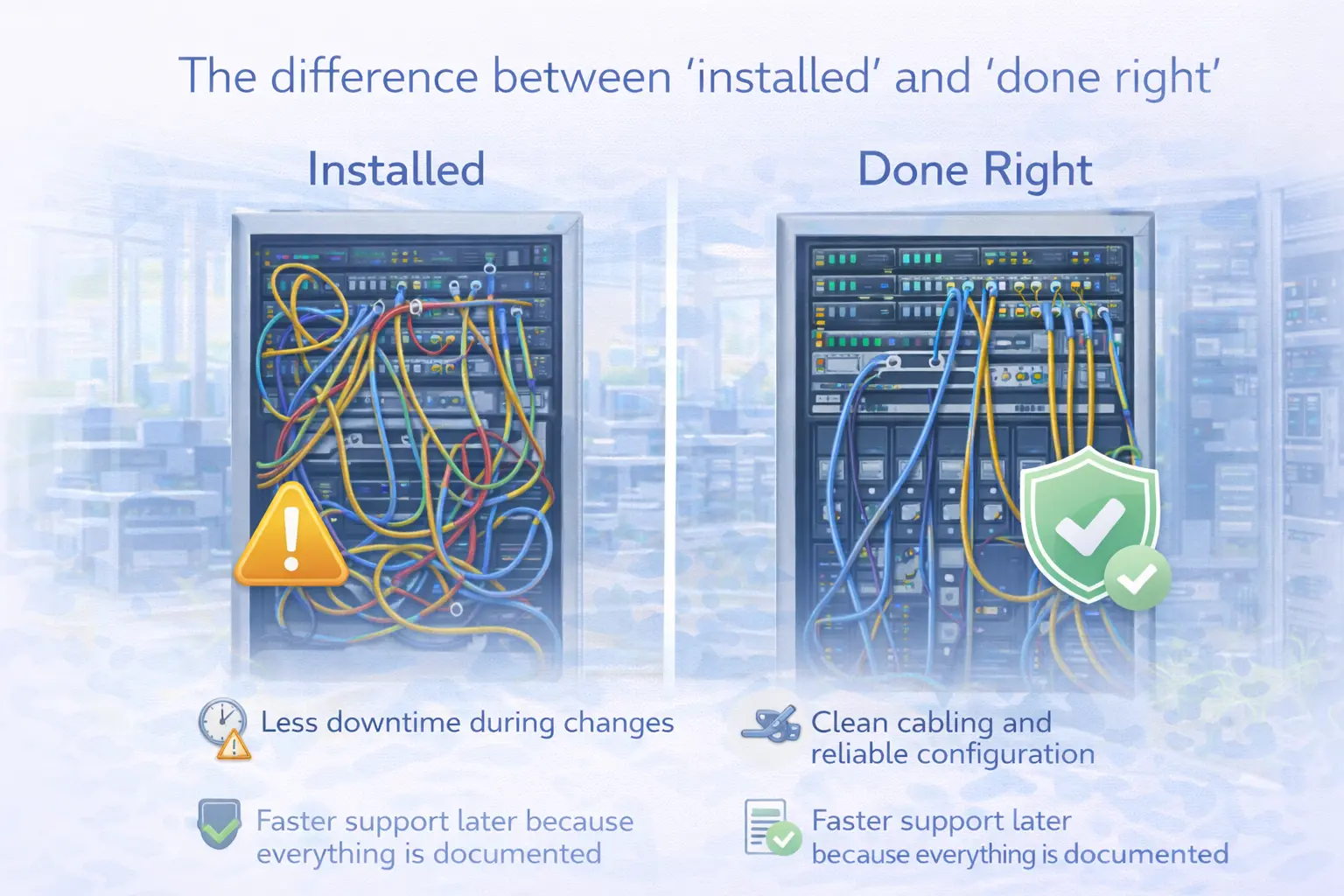
The difference between “installed” and “done right”
Many IT projects fail because there’s no plan, no documentation, and no ownership after the install. We approach projects with a clear scope, proper testing, and a handover that includes documentation, training, and a support path.
3 outcomes:
- Less downtime during changes
- Clean cabling and reliable configuration
- Faster support later because everything is documented
What we can build and install
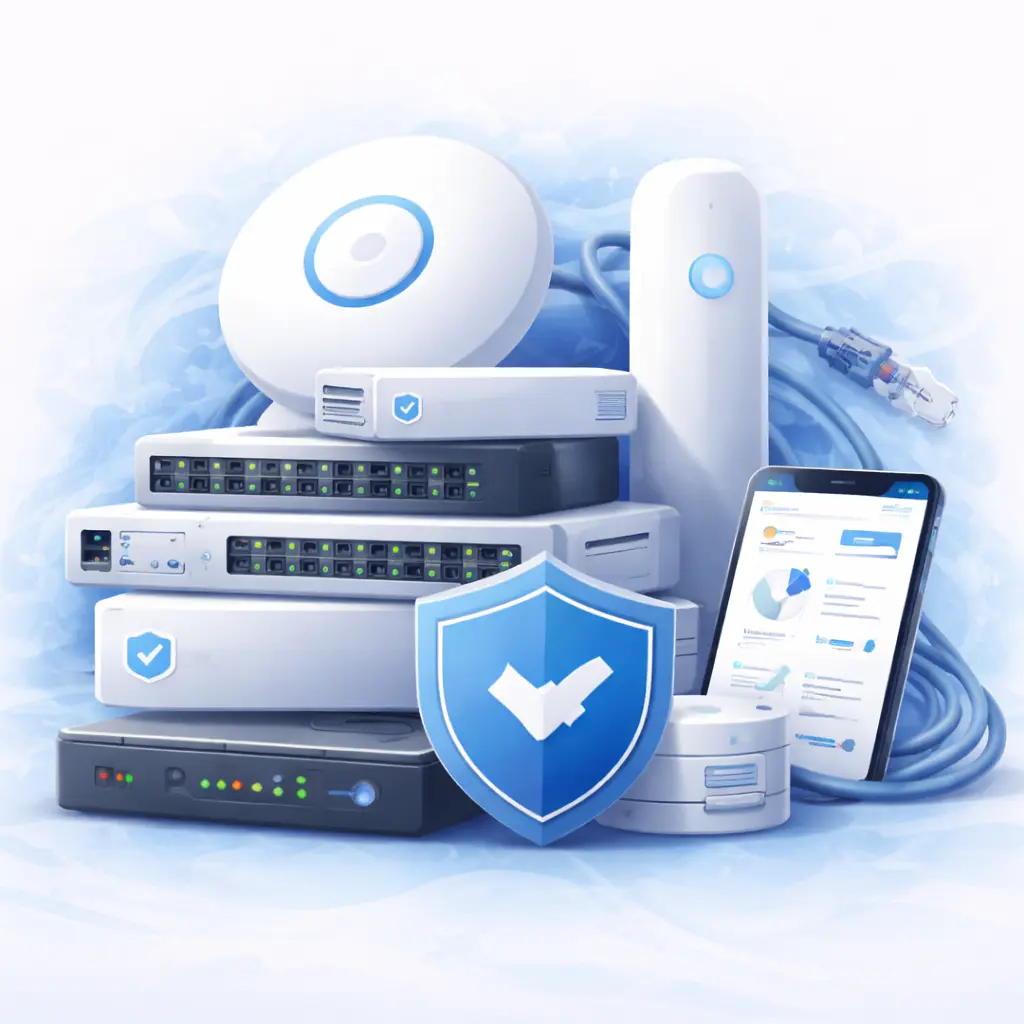
Network & Wi-Fi
- UniFi gateways, switches, access points (indoor/outdoor)
- Guest Wi-Fi, VLAN segmentation, secure remote access
- Network optimization for cameras and IoT
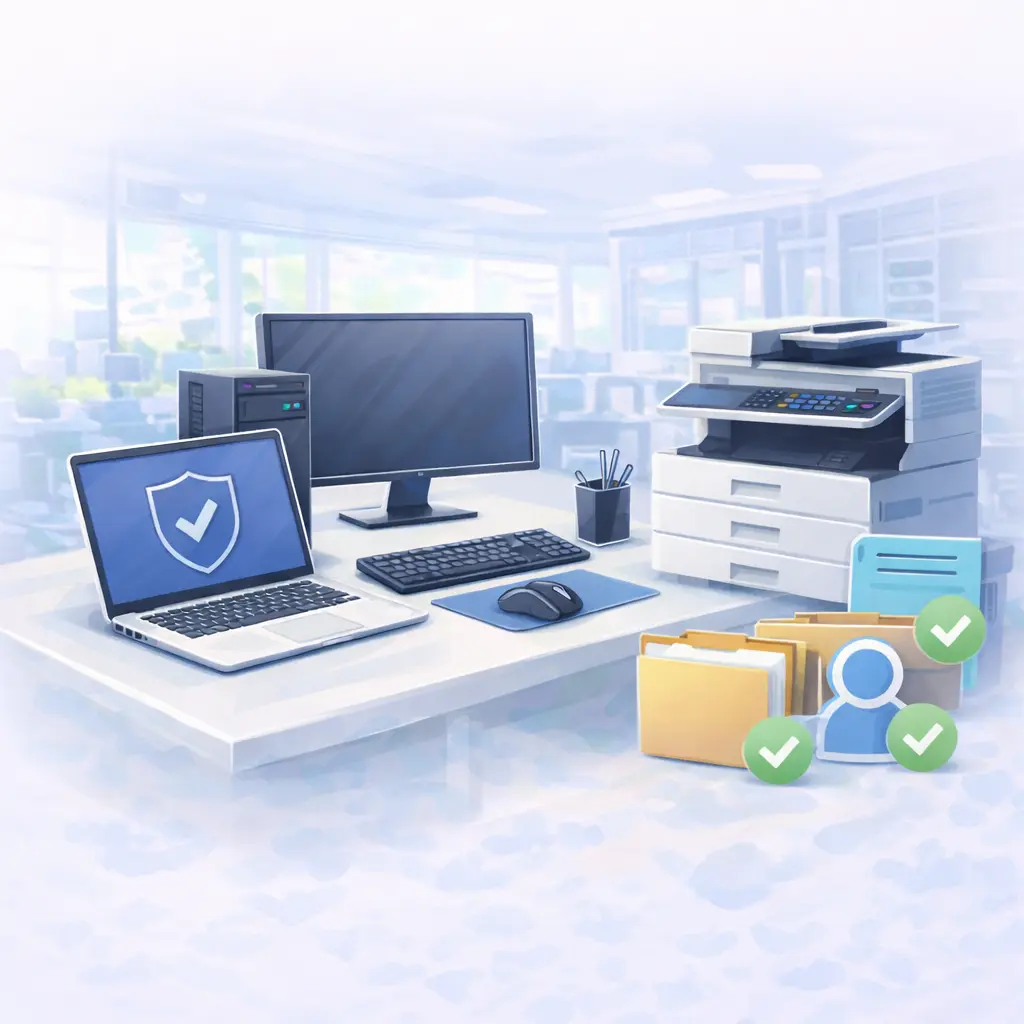
Workstations & Office Setup
- New PC/laptop deployments and migrations
- Printers/scanners setup, shared access and user profiles
- Standardized configurations for easier support
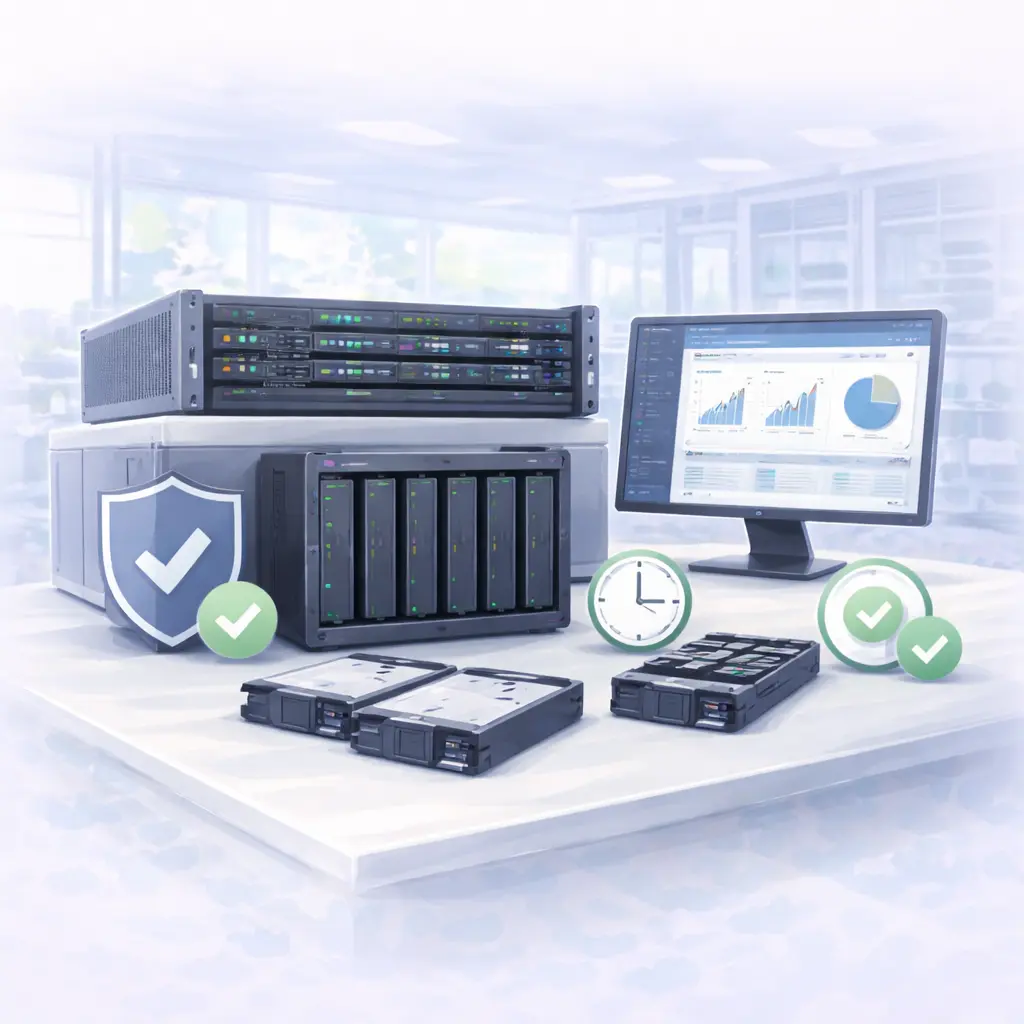
Servers / NAS / Storage
- File server or NAS setup (permissions, shares, backups)
- Disk upgrades and performance improvements
- Monitoring and maintenance plans
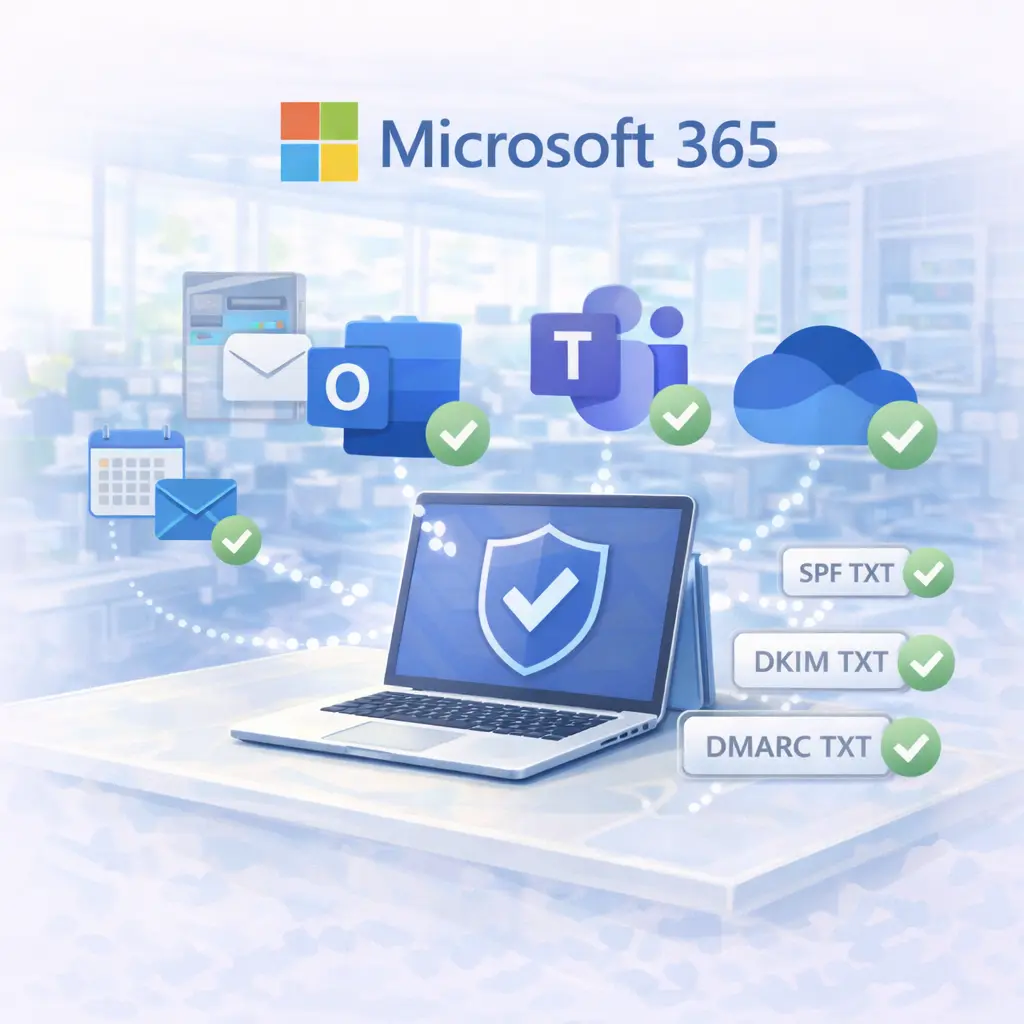
Microsoft 365
- Tenant setup, migrations, user onboarding/offboarding
- Email deliverability (SPF/DKIM/DMARC)
- Teams/SharePoint/OneDrive structure and guidance
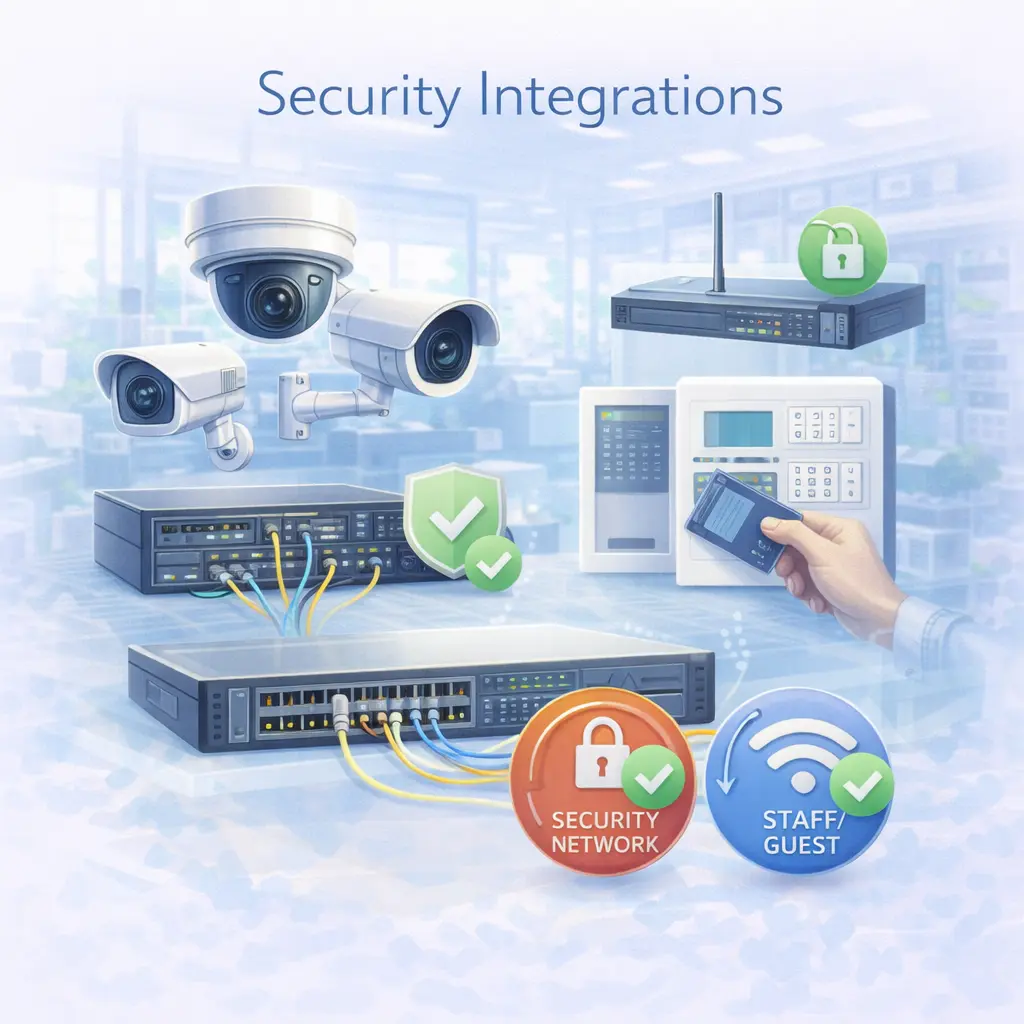
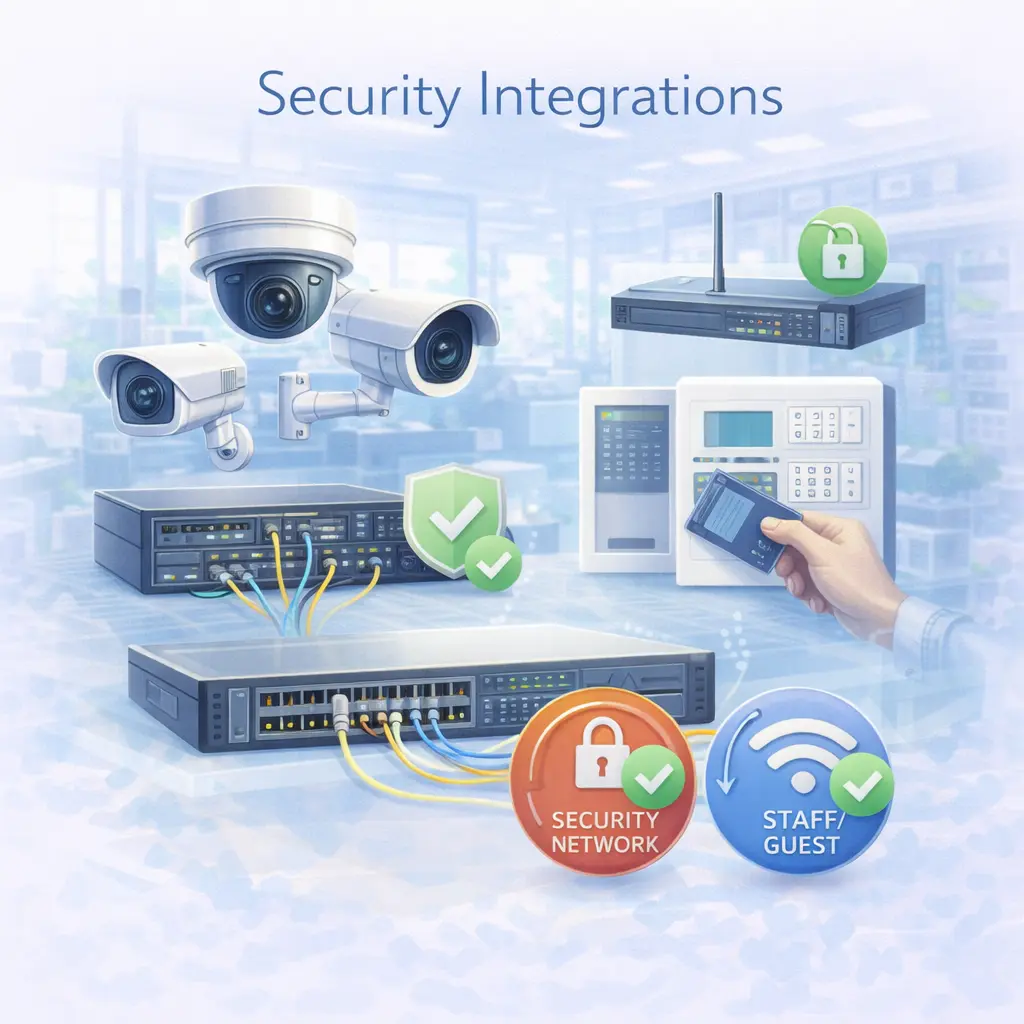
Security Integrations
- Camera network design and storage planning
- Alarm / access control integration (where applicable)
- Segmented “security network” separated from staff/guest
Our project approach
1
Assessment & Scope
We clarify requirements, location constraints, and priorities
2
Design & quote
A clear proposal with options, timeline, and responsibilities.
3
Installation & testing
Professional installation with testing and validation.
4
Handover & documentation
We deliver documentation and explain how things work.
5
Support & maintenance
Optional ongoing management to keep everything healthy.
Office Setup / Move
New workstations, printers, Wi-Fi and clean cabling — ready to work on day one.

Network Upgrade
Replace consumer-grade equipment with a managed UniFi network, segmentation, and monitoring.
Microsoft 365 Migration
Move email safely, structure your tenant, and secure access with MFA.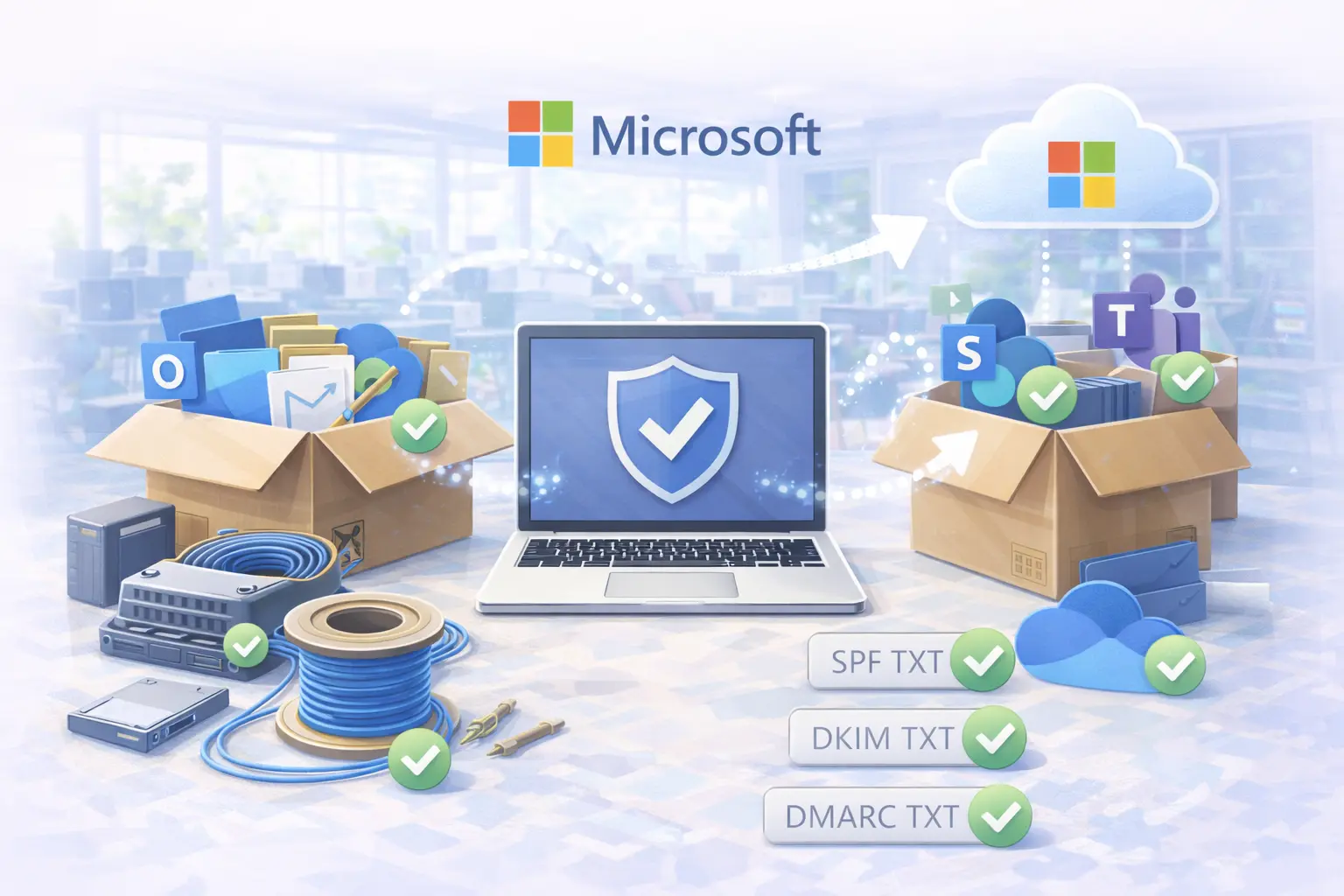
Storage & Backup Upgrade
Install a NAS/server solution plus monitoring and recoverable backups.
Security Network + Recording
Design a stable network for cameras, storage, and secure access — separated from staff and guests.

To keep your project smooth
To avoid delays, we align on responsibilities early. Depending on the project, we may ask for:
- Access to site areas (and a point of contact)
- Confirmation of internet provider details
- Approval of equipment placement (APs, racks, cameras)
- Existing credentials or admin access (where applicable)
- A clear date window for installation
Frequently asked questions
No. We can install and support customer-supplied equipment, but warranty/compatibility limitations may apply. We’ll advise what’s best.
Sometimes, yes — especially for business-critical changes. Scheduling and rates may differ.
Yes. Documentation is part of a professional project handover, and it also makes future support faster.
Yes — that’s where Managed IT, Network Management and Backup services add the most long-term value.
Planning an upgrade or a new setup?
ell us what you need and we’ll propose the right design, timeline and support approach.
Book a project Assessment Request Support