Microsoft 365, Managed the right way
We keep your email, users, devices and security settings healthy — so Microsoft 365 stays reliable, secure, and easy to use.
Book a Microsoft 365 Check Request Support
Local team on Bonaire • Clear advice • Fast support
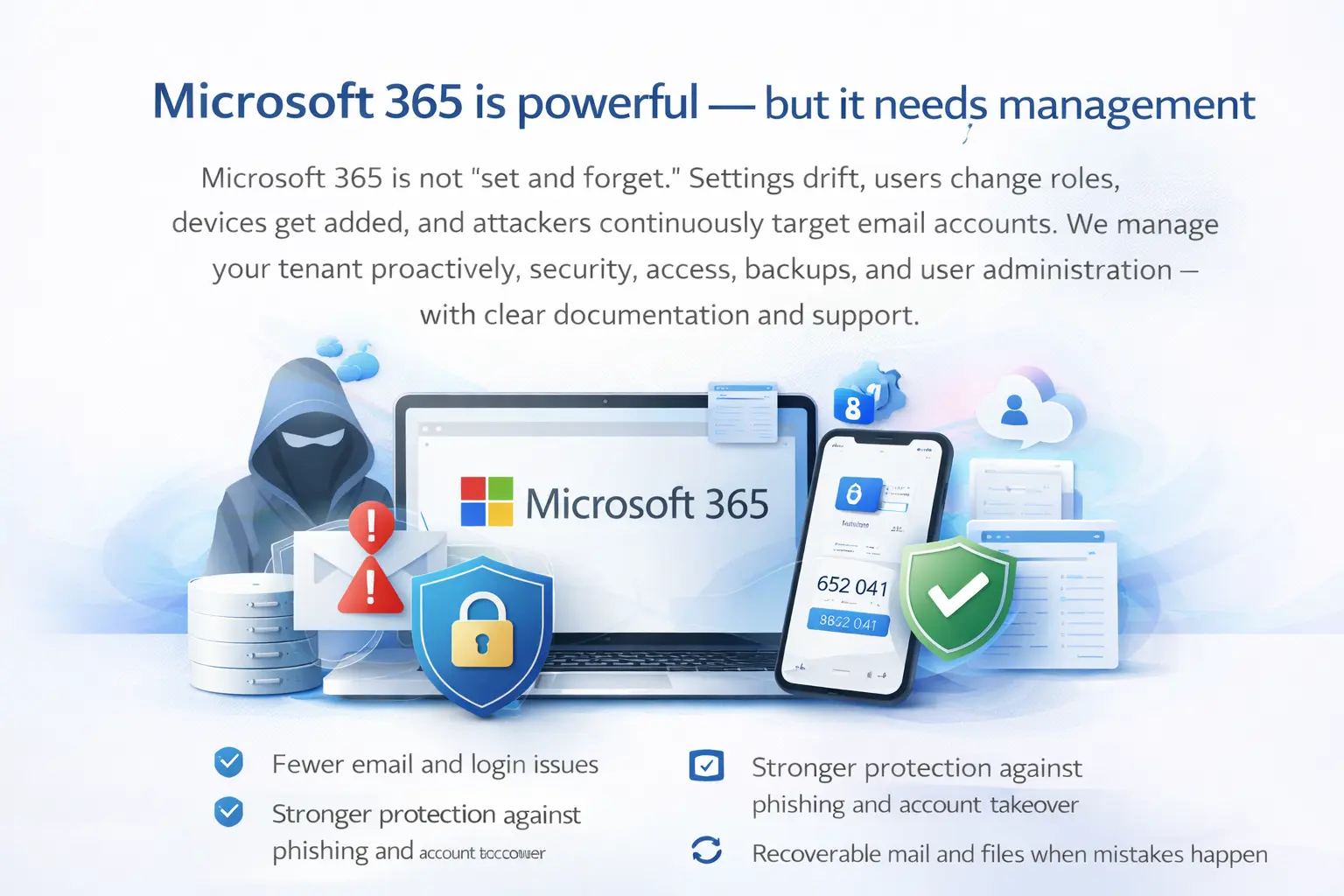
Microsoft 365 is powerful — but it needs management
Microsoft 365 is not “set and forget.” Settings drift, users change roles, devices get added, and attackers continuously target email accounts. We manage your tenant proactively: security, access, backups, and user administration — with clear documentation and support.
- Fewer email and login issues
- Stronger protection against phishing and account takeover
- Recoverable mail and files when mistakes happen
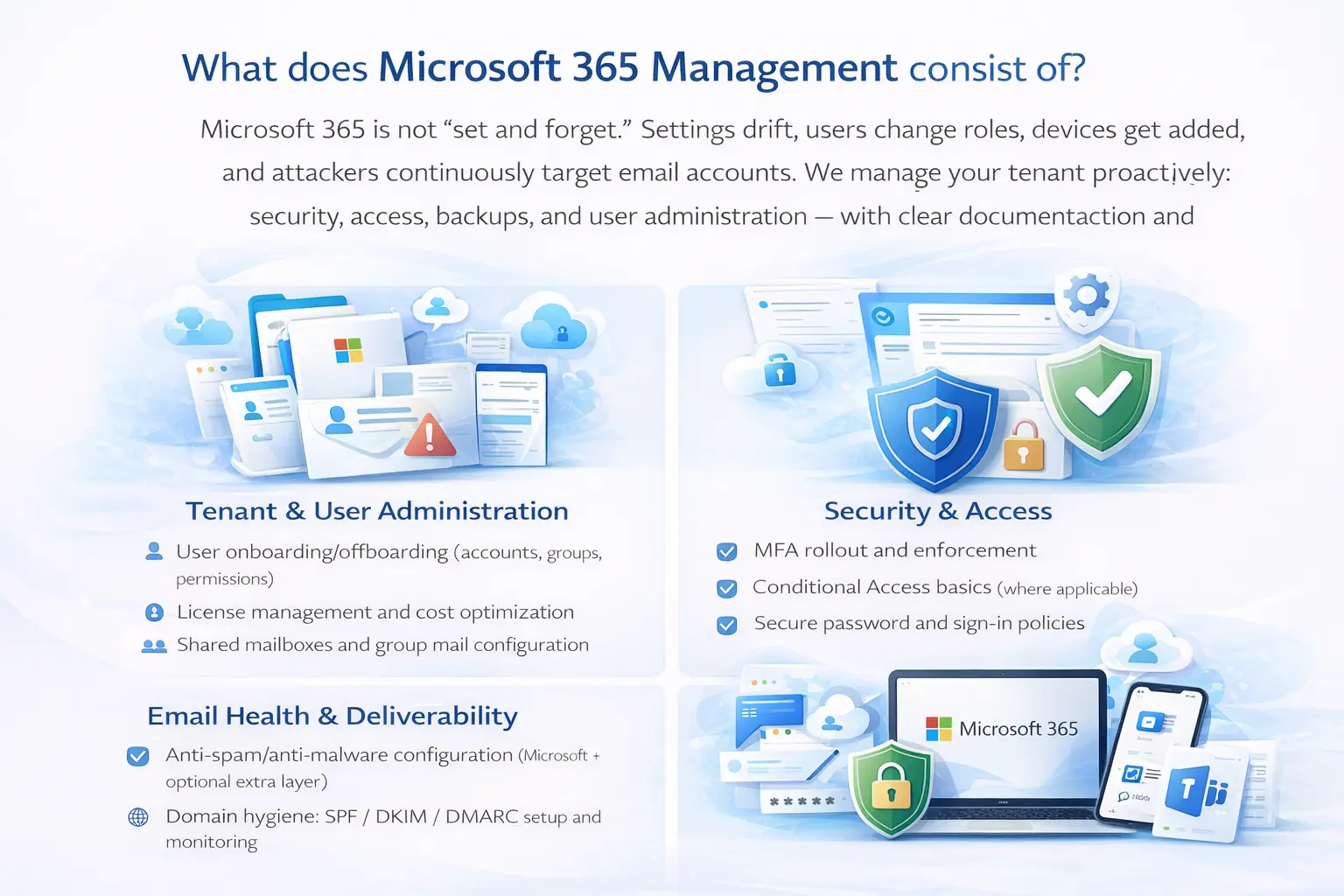
What does Microsoft 365 Management consist of ?
Tenant & User Administration
- User onboarding/offboarding (accounts, groups, permissions)
- License management and cost optimization
- Shared mailboxes and group mail configuration
Security & Access
- MFA rollout and enforcement
- Conditional Access basics (where applicable)
- Secure password and sign-in policies
- Admin account hardening
Email Health & Deliverability
- Anti-spam/anti-malware configuration (Microsoft + optional extra layer)
- Domain hygiene: SPF / DKIM / DMARC setup and monitoring
- Mail flow rules and safe sender guidance
Device & App Readiness
- Outlook and mailbox troubleshooting
- Secure setup on laptops and phones
- Guidance for Teams / SharePoint / OneDrive usage
Email is the #1 attack route
Most business compromises start with phishing. We reduce risk with strong authentication, policy hardening, user guidance, and (when needed) an additional email security layer.
What you will get
Phishing and malware filtering
Safer links and attachments
Policy-based protection that matches your business
Security optionsBackup for Microsoft 365 (mail, OneDrive, SharePoint)
Microsoft provides high availability, but many businesses still want a true backup strategy for accidental deletion, ransomware recovery, legal retention, or “we need that mailbox back” situations. We offer Microsoft 365 backup options and make sure recovery is actually possible when you need it.
Includes:
- Backup for mailboxes, OneDrive and (optional) SharePoint
- Retention aligned to your needs
- Recovery tests and clear restore process
Our process
Microsoft 365 Check
We review your tenant configuration, security posture, domains, and user setup.
Fix & Secure
We harden accounts, clean up settings, and improve deliverability.
Manage & Improve
Ongoing management, support, and optional backup with periodic reviews.
Frequently asked questions
We focus on business tenants (Microsoft 365 Business). We can advise home users, but management is mainly for business environments. .
Yes — we configure and validate your domain settings to improve security and deliverability.
It depends on your risk and retention needs. Many businesses choose backup for easier recovery from deletion, ransomware scenarios, or compliance/retention requirements.
Yes. We can migrate mailboxes and help restructure Teams/SharePoint/OneDrive if needed.
Want Microsoft 365 to “just work” ?
Book a check and we’ll tell you exactly what to improve — and what to keep.
Book M365 Check Request Support