Fast Remote & On-Site IT Support on Bonaire
When something breaks, we respond quickly — and we fix it properly so the same issue doesn’t return.
Book a Network Health Check Request Support
Local team • Clear communication • Business + home support
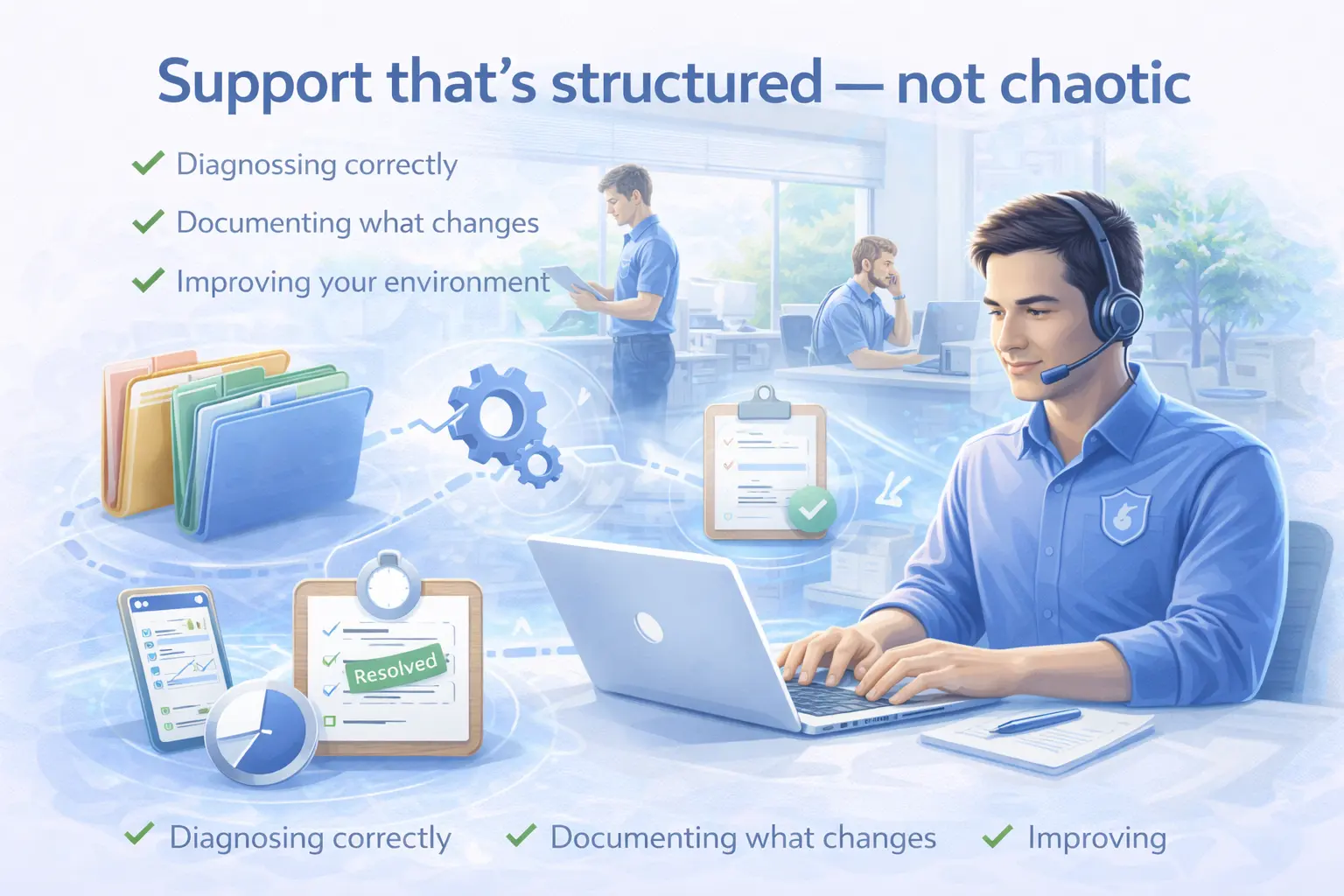
Support that’s structured — not chaotic
Good support isn’t only about speed. It’s about diagnosing correctly, documenting what changed, and improving your environment so you need less emergency support over time. We provide friendly, professional support for day-to-day issues and urgent incidents.
- Faster resolution with remote tools
- On-site help when physical access is needed
- Clear tickets and documentation
Remote support (fastest option)
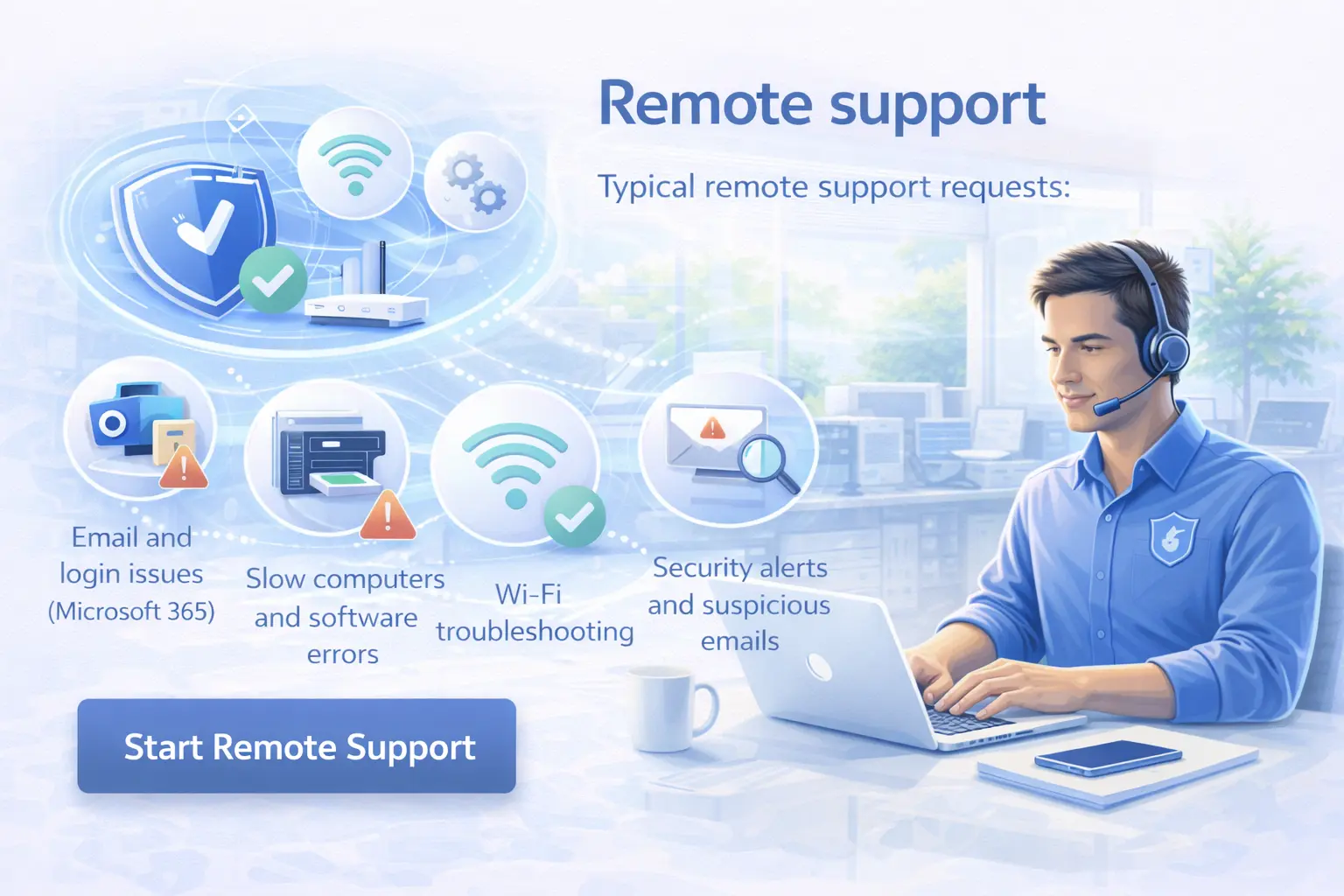
Most issues can be solved remotely: email problems, Microsoft 365, updates, printing, Wi-Fi troubleshooting, virus cleanup, and user support. Remote support reduces downtime and lets us respond quickly.
Typical remote support requests:
- Email and login issues (Microsoft 365)
- Slow computers and software errors
- Printer setup and scanning
- Wi-Fi troubleshooting
- Security alerts and suspicious emails
On-site support (when hands are required)
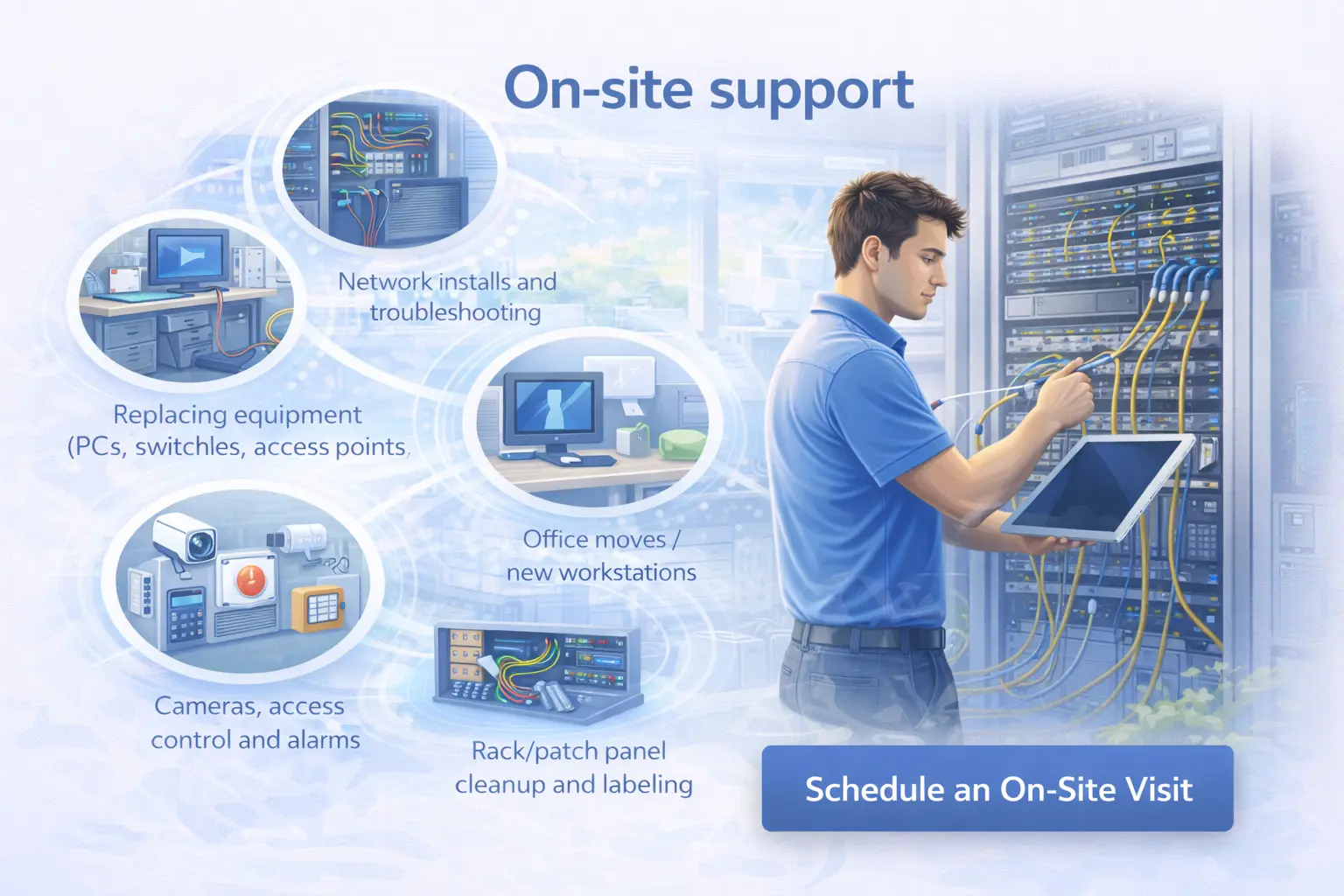
Some tasks need a technician on location: hardware replacement, cabling, network equipment, camera/alarm work, or persistent issues that require physical testing.
Typical on-site work:
- Network installs and troubleshooting
- Replacing equipment (PCs, switches, access points, disks)
- Office moves / new workstations
- Cameras, access control and alarms
- Rack/patch panel cleanup and labeling
Choose the support style that fits you
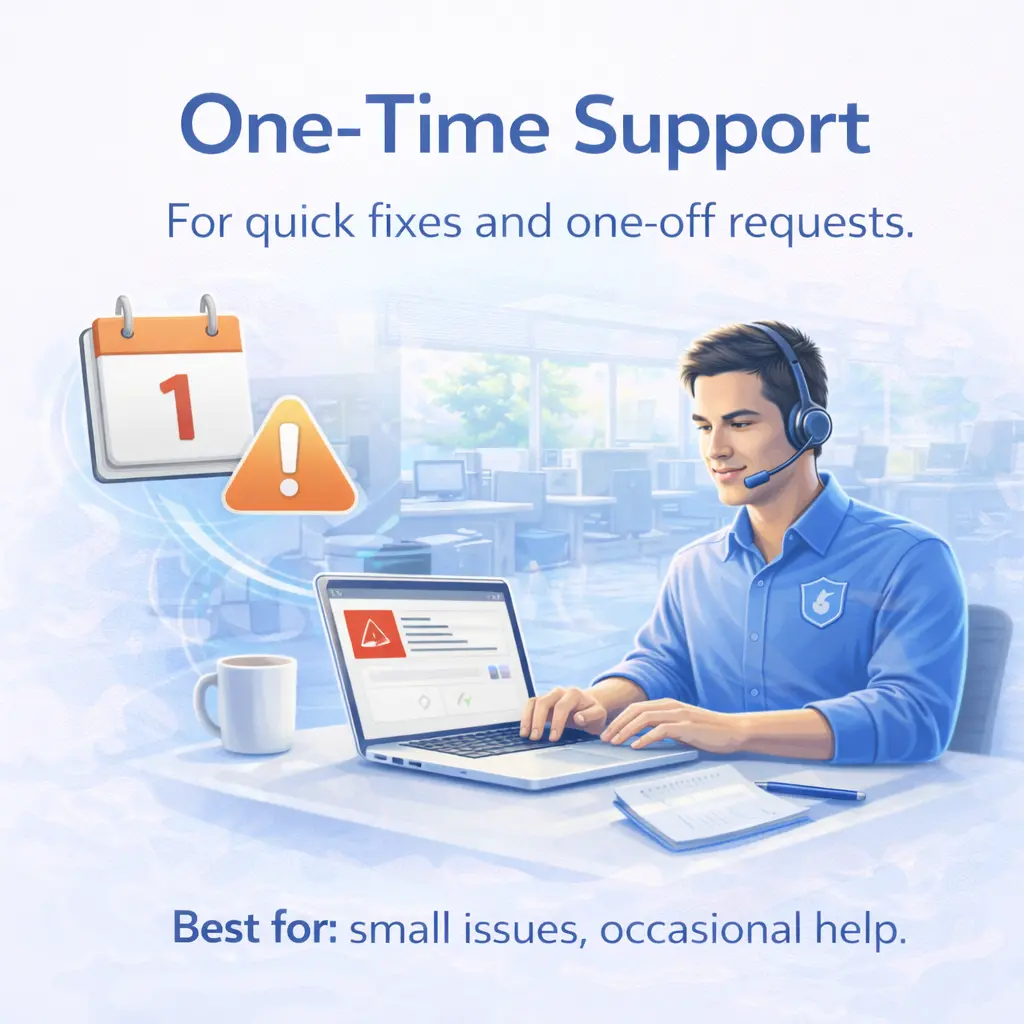
One-time support
For quick fixes and one-off requests.
Best for: small issues, occasional help.
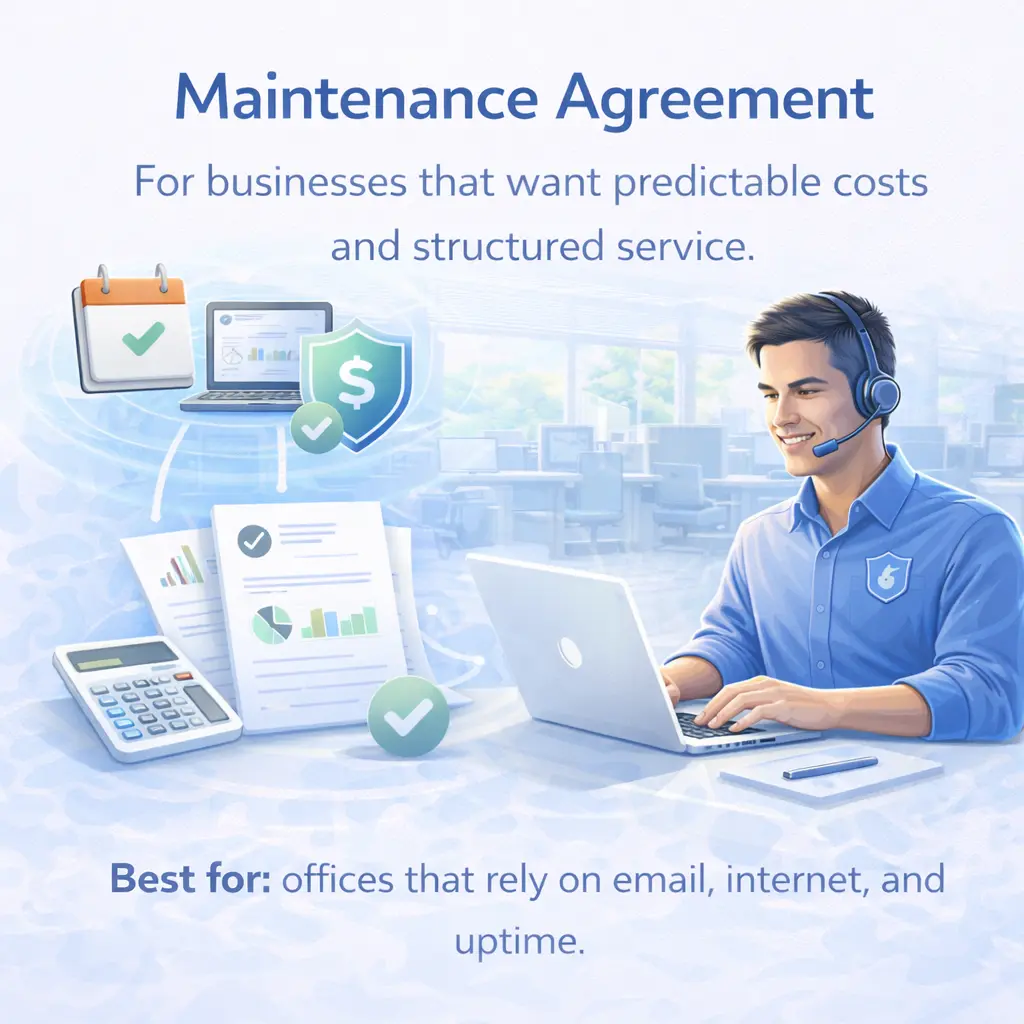
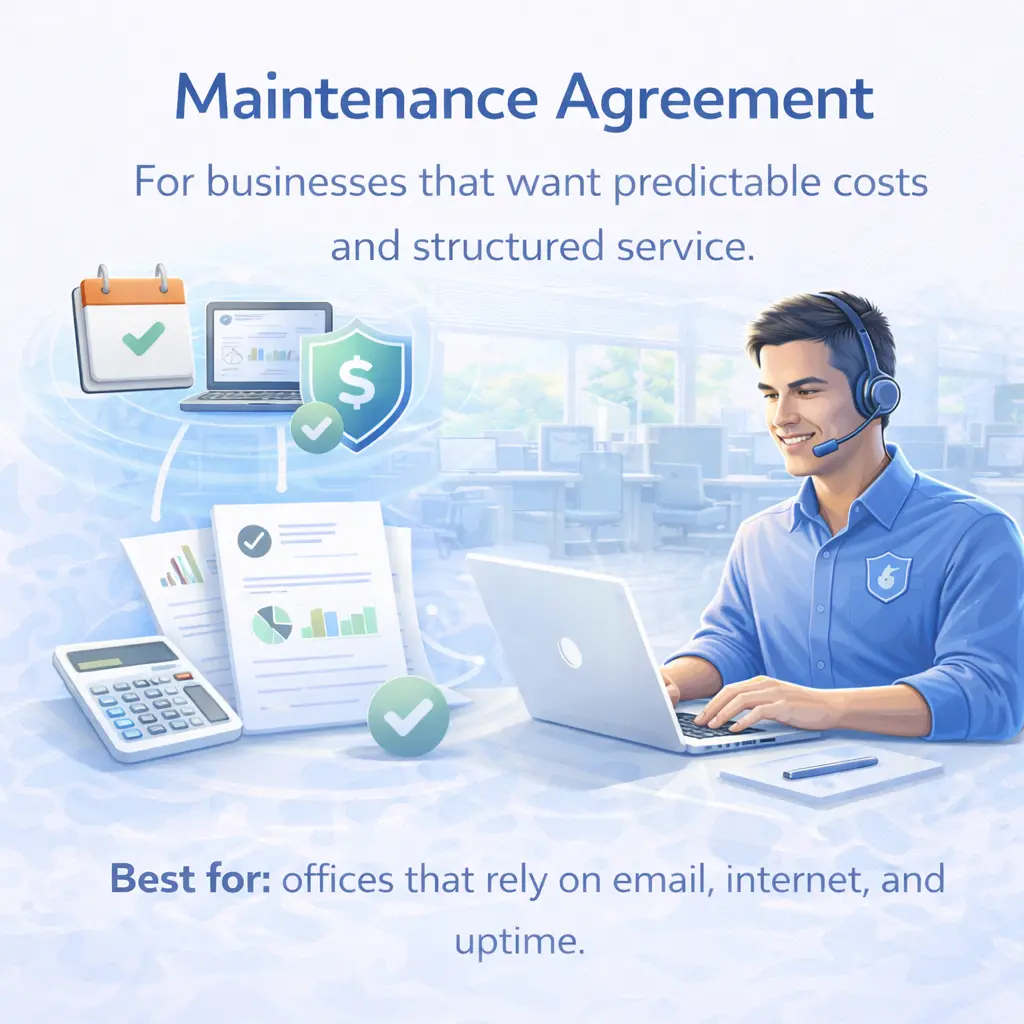
Maintenance Agreement
For businesses that want faster response, predictable costs and structured service.
Best for: offices that rely on email, internet, and uptime.
Managed IT (Recommended)
Proactive monitoring + security + support — reducing emergencies over time.
Best for: businesses that want peace of mind.
How Support Works
Remote triage
We confirm urgency and start troubleshooting remotely when possible.
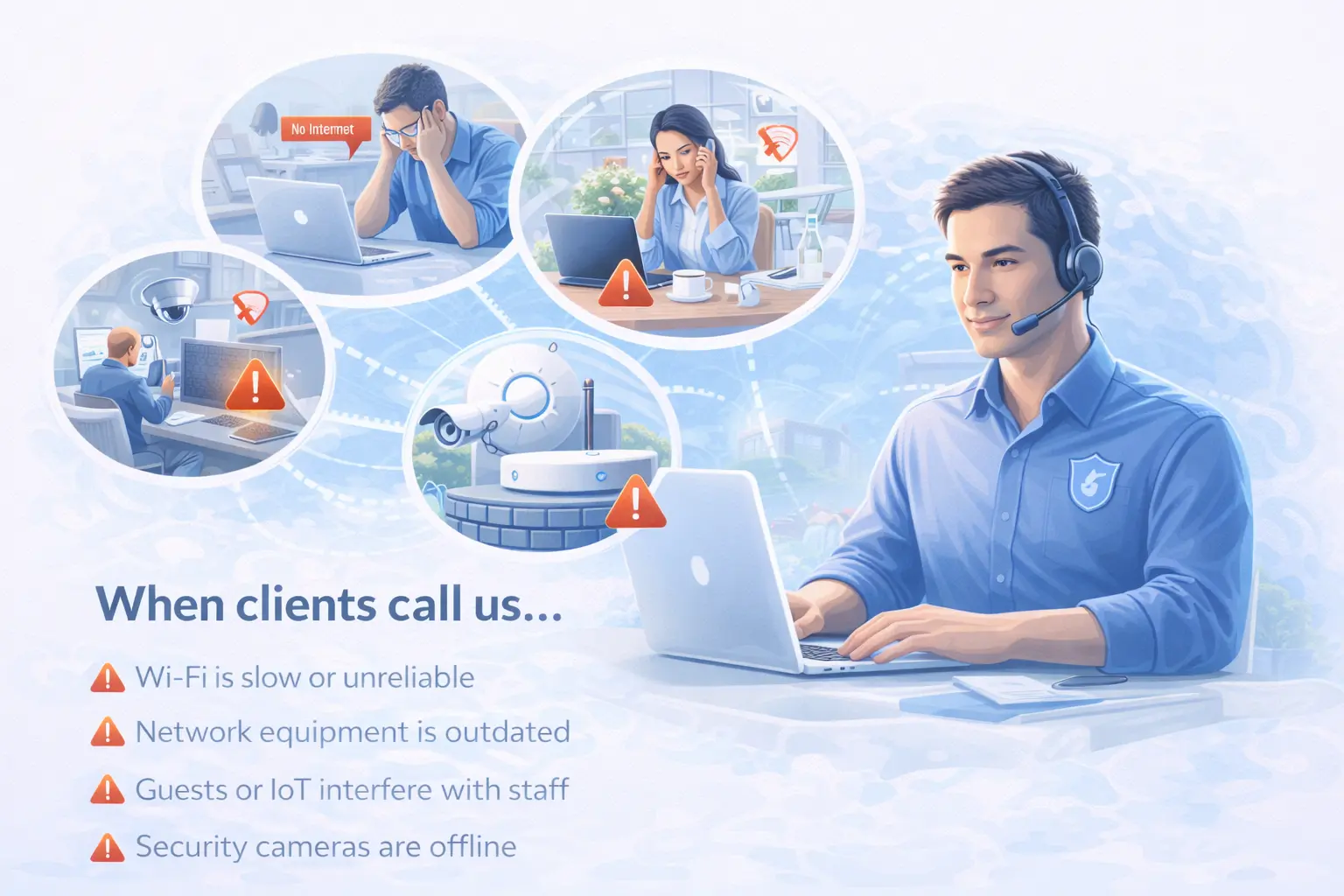
Tips for faster Resolution
- Tell us what changed before the issue started
- Share screenshots / error messages if possible
- Confirm if multiple users are affected
- Provide a reachable phone/WhatsApp number
Frequently asked questions
It depends on workload and urgency. Support agreement and Managed IT clients receive priority response according to the agreement.
Yes. We support both businesses and home users on Bonaire.
Yes, but hardware warranty and vendor-specific limitations may apply. We’ll advise what’s best.
In some cases yes (planned work or urgent incidents). Availability and rates may differ.
Need help right now?
Submit a support request and we’ll respond as quickly as possible.
Start Remote Support Request Support